eBay Social Sharing Page Down - What Sellers Can Do

eBay's Social Sharing page has been down for over 24 hours, disrupting seller workflows and raising concerns about missing out on potential sales.
The Social tool was launched in 2023 with the promise of streamlining sharing listings to social media sites like Facebook, Twitter/X, Pinterest, and Instagram, but sellers say the experience has been hit or miss with Twitter being removed due to API limits, frequent delays or technical errors that prevent posting, and disappointing attempts to integrate AI that didn't live up to the hype.
 Liz Morton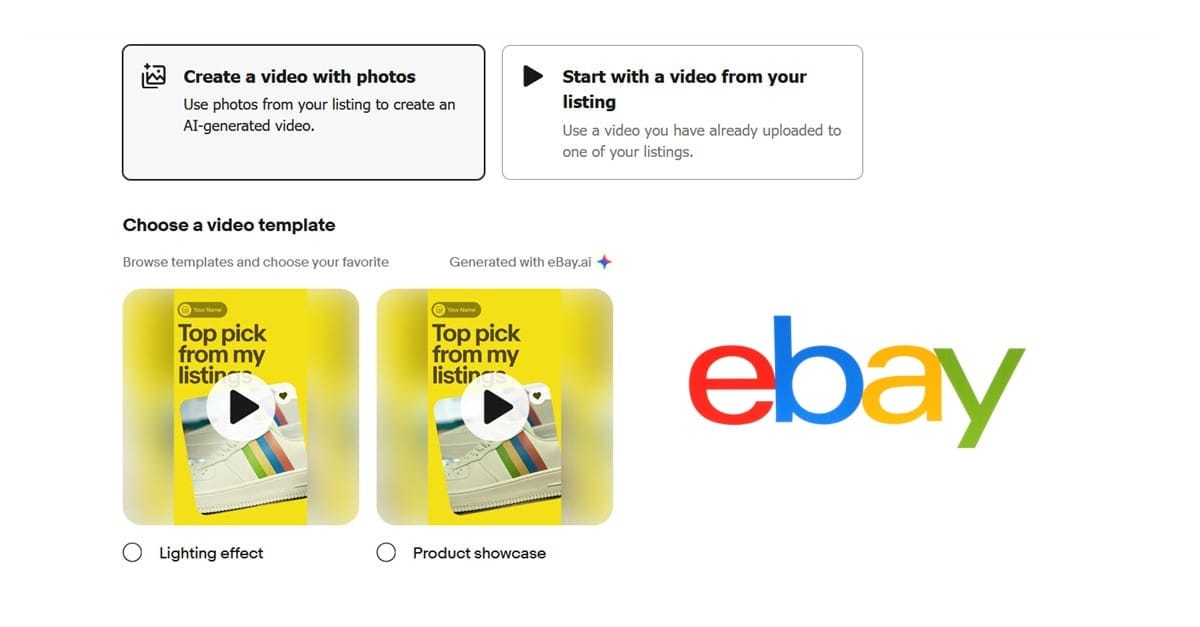
But over the last several days, sellers say the Social page is completely gone - when clicking on the link under the Marketing tab in Seller Hub, it simply directs to an error page.
Social tab isn't working for me
Neither Marketing> Social nor Store> Social are working for me
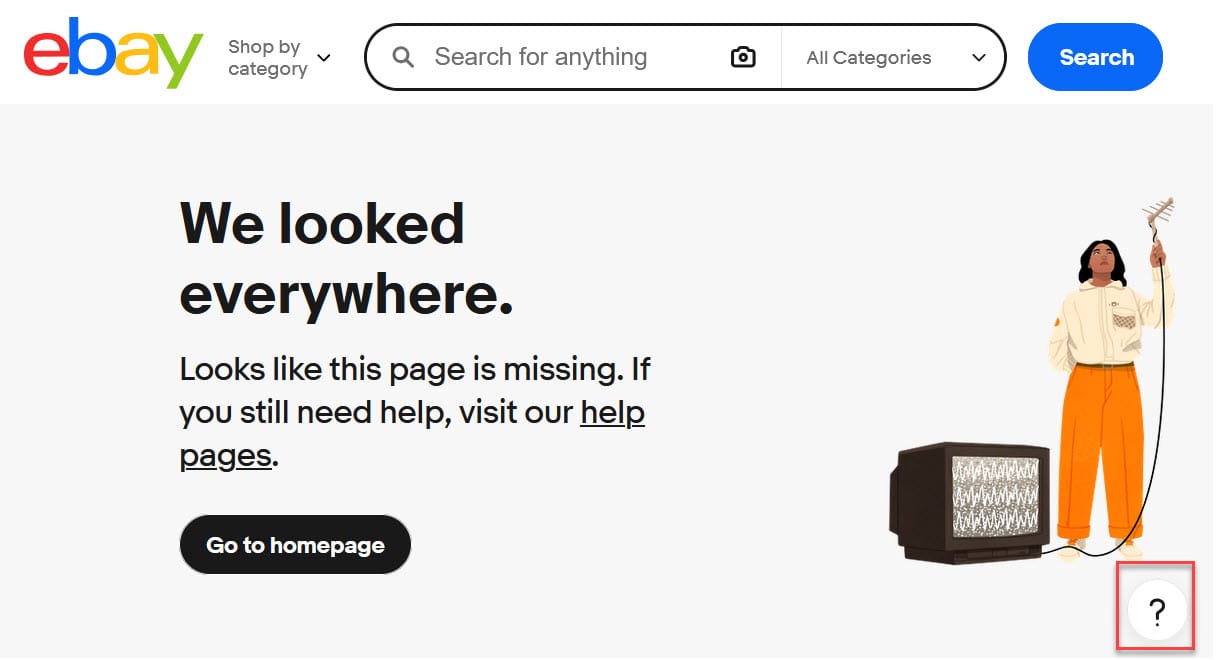
I get "We looked everywhere.Looks like this page is missing. If you still need help, visit our help pages."
Same for me today. Been using this all week and then today gone. Reported via Instagram so hopefully this will be back ASAP
The Social Page under Marketing in Seller Hub Missing in Action?
I was going to add some items to Pinterest via the Social Page , found under Marketing (or Store) in Seller Hub, but I'm getting the "we've looked everywhere..." message. Anyone else?
As a workaround, sellers are suggesting to use the regular "share listing" feature either from the Active Listings page in Seller Hub or on the view item page.
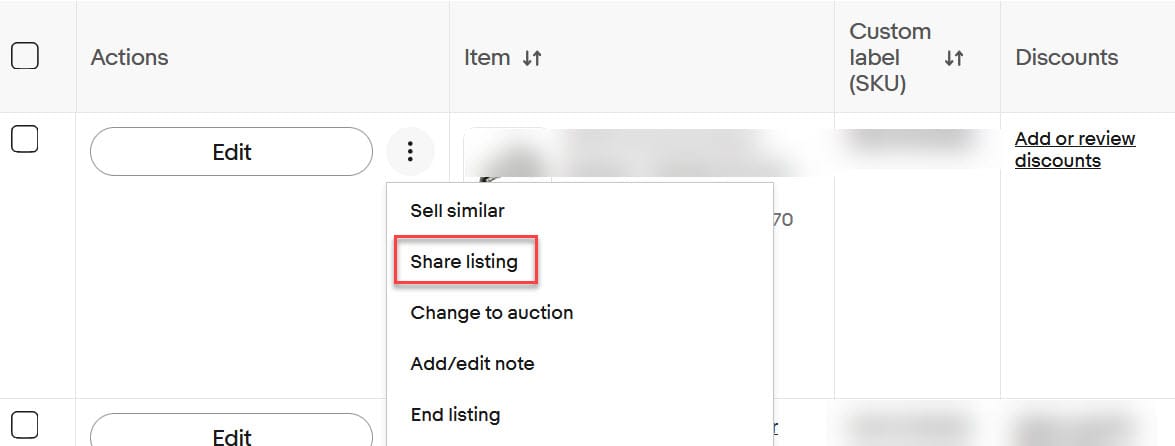
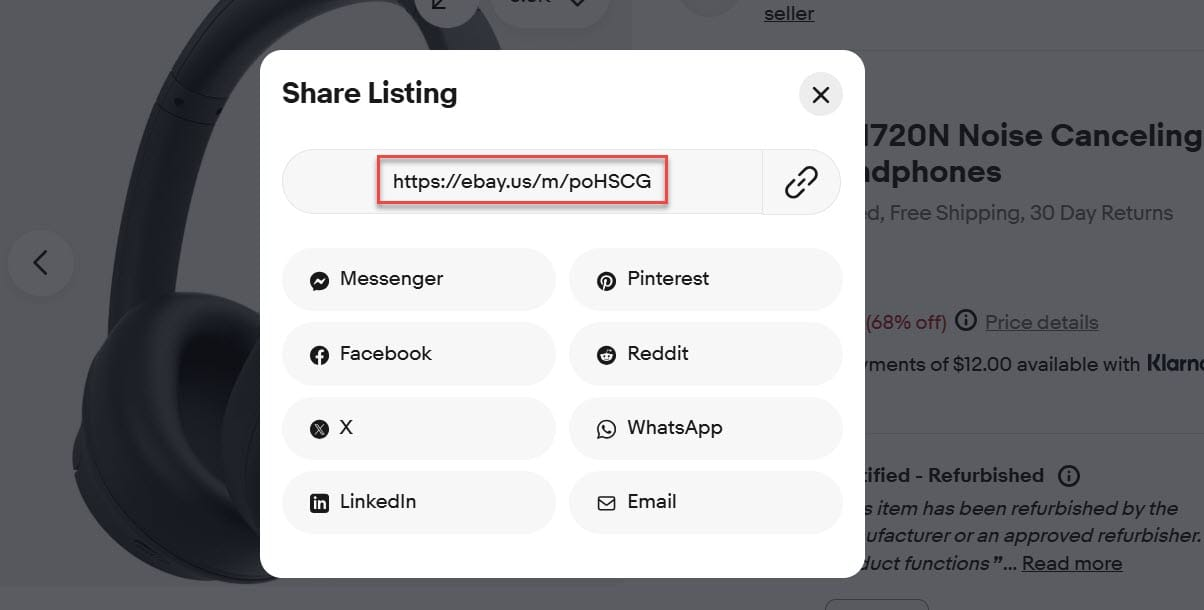
Unfortunately, this share option doesn't include all of the platforms that can be accessed through the Social sharing tool.
And sellers should be aware, if they use either the Social tool or this alternate sharing option, the shortened link that eBay creates may have ad attribution tags embedded if they use Promoted Listings.
 Liz Morton
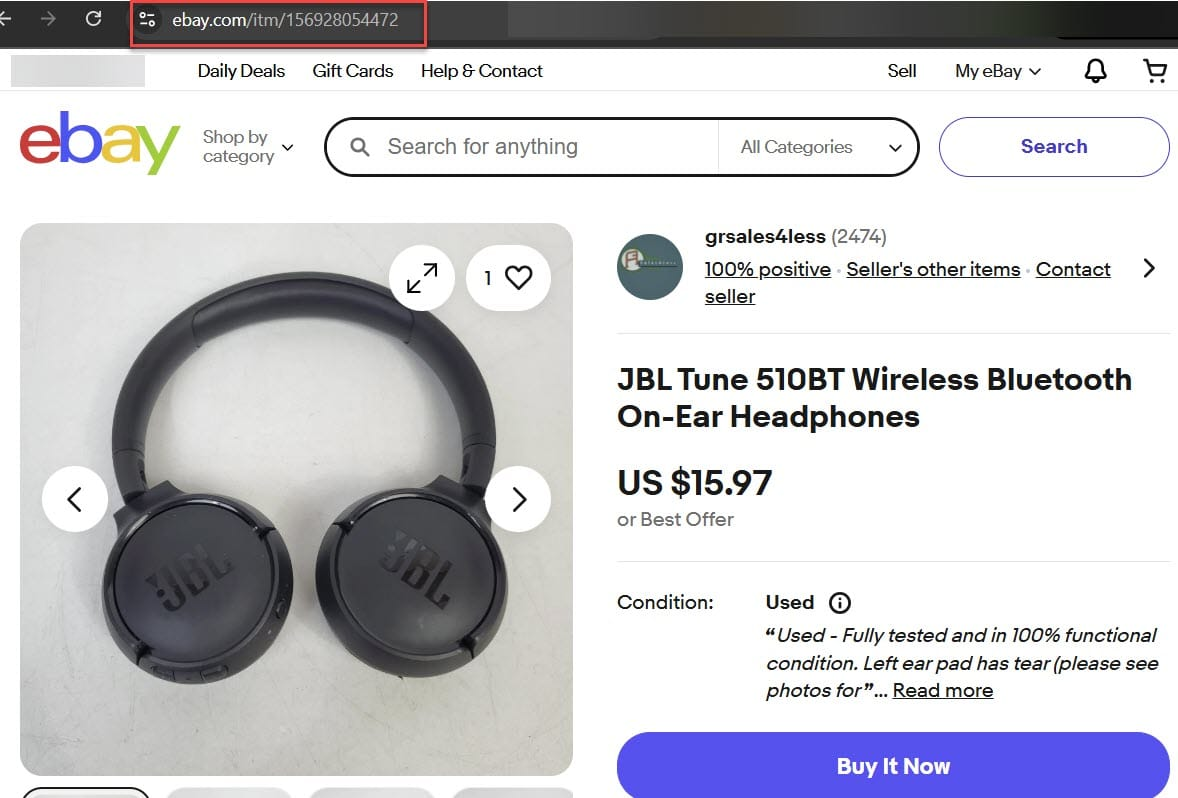
It may be slightly more effort, but sellers can also simply manually create posts on their preferred social media sites by copying and pasting a link to their listing directly from the browser's address bar, making sure to delete any extra characters after the item number.
eBay community staff have not responded to multiple tags asking for a timeframe for when the Social feature will be fixed, but in the meantime, affected sellers can submit a report to eBay by clicking the question mark in the lower right of the page or shaking their phone while using the mobile app.
Are you receiving an error when trying to access the Social page in Seller Hub? Let us know in the comments below!